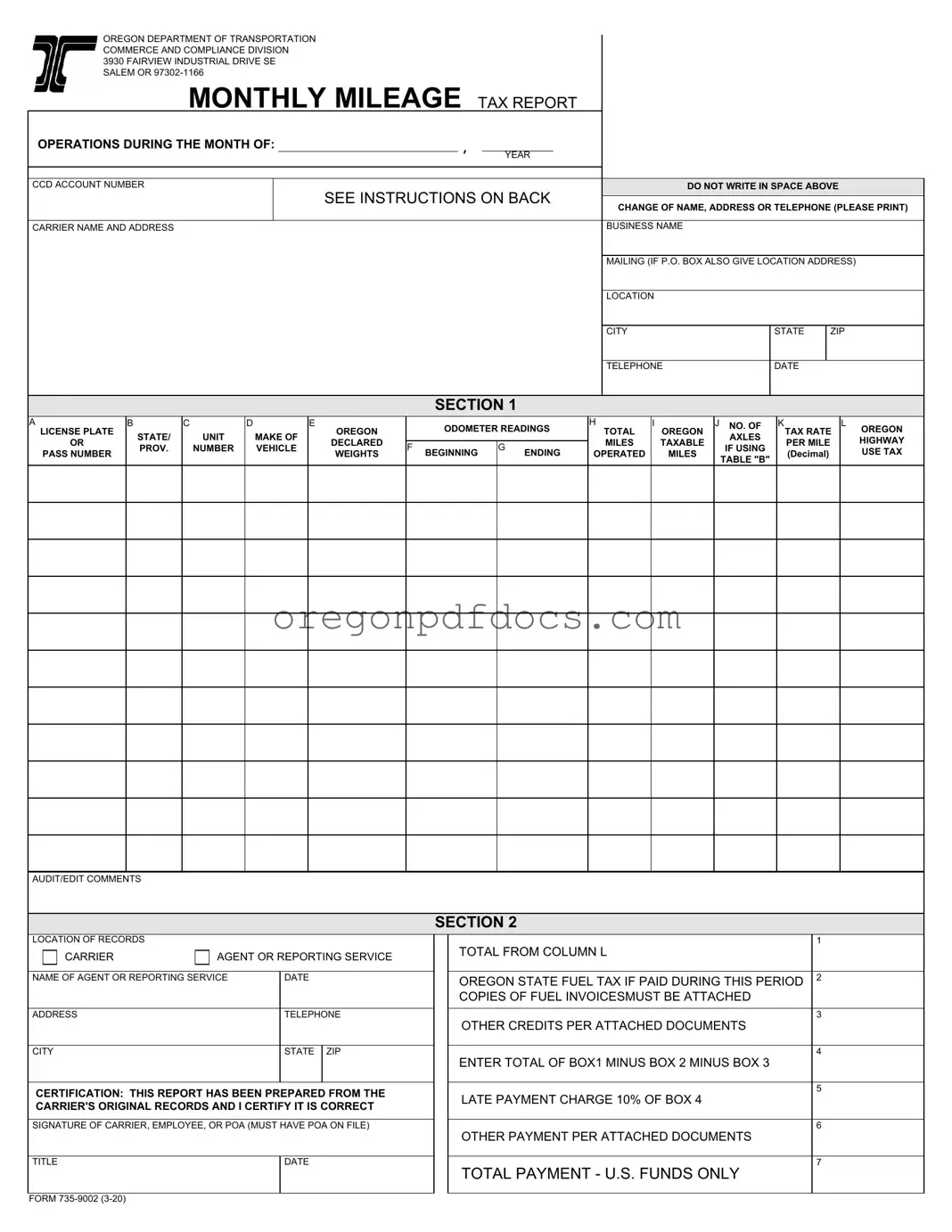
Free Oregon Monthly Mileage Tax Form
Oregon PDF Docs
Free Oregon Monthly Mileage Tax Form
The Oregon Monthly Mileage Tax form is an essential document for trucking companies and operators who utilize vehicles registered in the state. This form is required to report the mileage traveled on Oregon public roads and to calculate the corresponding highway use tax. Each month, businesses must accurately detail their vehicle operations, including the beginning and ending odometer readings, the total miles operated, and the taxable miles driven in Oregon. The form includes specific sections for entering information about each vehicle, such as the license plate number, state of registration, and the vehicle's make and declared weights. Additionally, it outlines the tax rates applicable based on the weight of the vehicle, which can vary depending on whether the vehicle is loaded or empty. Alongside the mileage report, operators must also account for any Oregon state fuel taxes paid during the reporting period and provide necessary documentation to support their claims. Timely submission is crucial; reports and payments must be postmarked by the last day of the month following the reporting period. Failure to comply may result in penalties, including late payment charges. This form not only facilitates compliance with state regulations but also ensures that the necessary taxes are collected to maintain Oregon's roadways.
The Oregon Monthly Mileage Tax form has similarities with various other documents used in transportation and tax reporting. Each of these documents serves a unique purpose but shares common elements related to mileage reporting, vehicle identification, and tax calculations. Below is a detailed comparison of the Oregon Monthly Mileage Tax form with other relevant documents.
Each of these documents plays a crucial role in ensuring that vehicle operators comply with state tax regulations. The common thread among them is the necessity for detailed record-keeping and accurate reporting of mileage and vehicle specifications, which ultimately helps to determine the appropriate tax obligations.
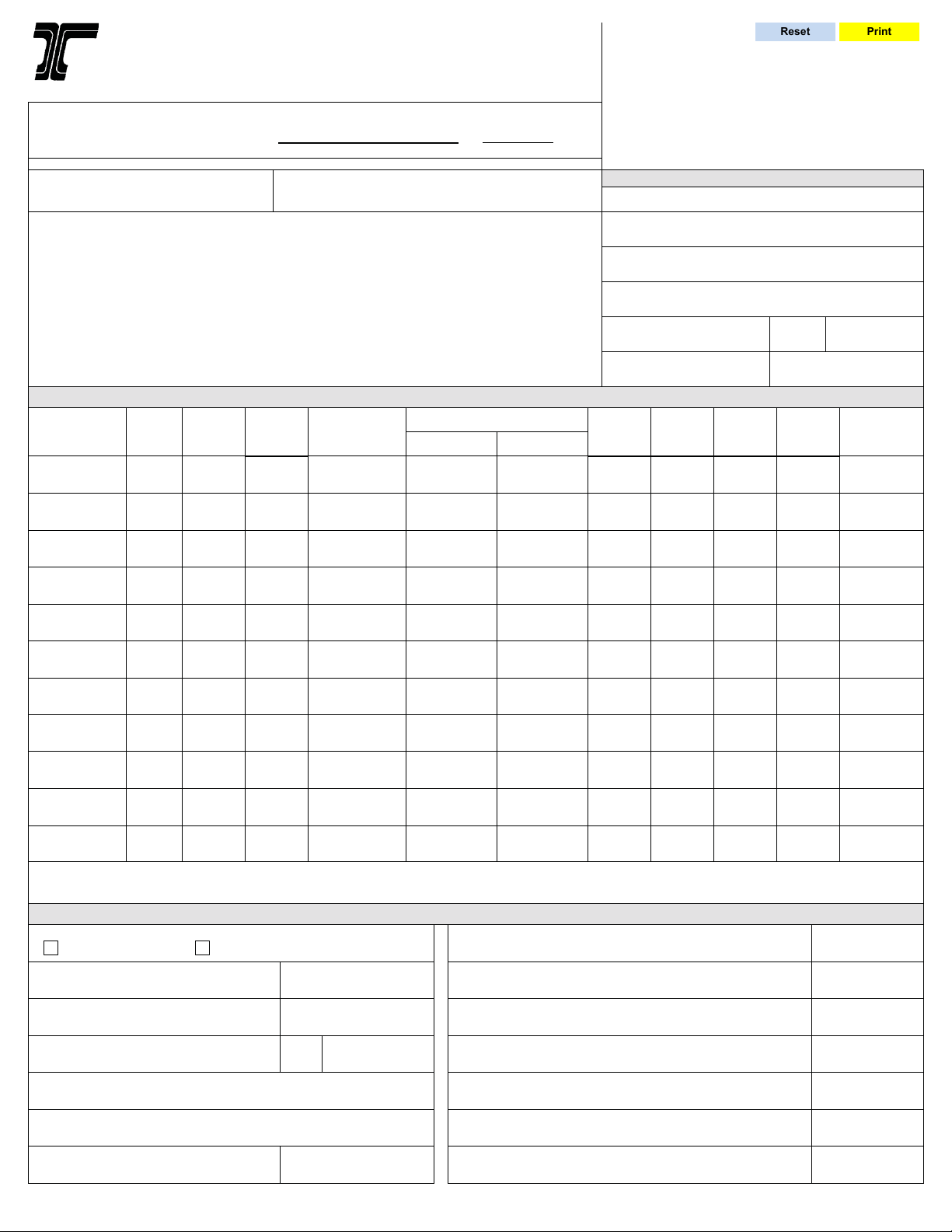
Filling out the Oregon Monthly Mileage Tax form requires attention to detail. Here are key takeaways to ensure accurate reporting:
By following these guidelines, you can navigate the Oregon Monthly Mileage Tax form more effectively and avoid potential issues.
Oregon Trimet Tax - Contact TriMet for questions about service areas and ZIP codes included in the district.
A Georgia Non-disclosure Agreement (NDA) is a legal document designed to protect sensitive information shared between parties. This agreement ensures that confidential details remain private and are not disclosed to unauthorized individuals. By establishing clear boundaries, the NDA fosters trust and encourages open communication in business relationships, which is why obtaining the right form, such as the one provided by Forms Georgia, is crucial.
Oregon Real Estate Forms - Consulting with a real estate professional can be beneficial.
| Fact Name | Details |
|---|---|
| Governing Law | The Oregon Monthly Mileage Tax is governed by Oregon Administrative Rules (OAR) 740-055-0010. |
| Filing Deadline | Reports and payments must be postmarked by the last day of the month following the reporting month. |
| Late Payment Charge | A 10% late payment charge applies if the report is filed after the deadline. |
| Record Retention | Carriers must maintain records for three years to support the information provided in the report. |
The Oregon Monthly Mileage Tax form is a crucial document for carriers operating within the state. However, it is often accompanied by several other forms and documents that help ensure compliance with state regulations. Below are some of the key documents that are frequently used in conjunction with the Monthly Mileage Tax form.
Understanding these accompanying documents is essential for effective compliance with Oregon's tax regulations. Each plays a role in ensuring that carriers accurately report their operations and manage their tax obligations effectively.